All games · Fixed classics
Great games that need a fix, with the fix
Each of these scores above 85 with critics and players, yet runs badly on today’s PCs out of the box. The steps below get each one running well, with links to the official patch, mod page or community wiki they come from.
45 games How we score
-
The Elder Scrolls IV: Oblivion Game of the Year Edition
2006 · Gamicality score 94
- Install the Unofficial Oblivion Patch and the Unofficial Shivering Isles Patch to fix thousands of bugs.
- Install the Oblivion Script Extender (xOBSE), then Oblivion Display Tweaks to reduce stutter, add borderless windowed mode and stop the crash on exit.
- Optionally add Blue's Engine Fixes to fix engine crashes.
-
Undertale
2015 · Gamicality score 94
- If the screen stays white while music plays, give the game a fixed refresh rate or turn off variable refresh rate (G-Sync or FreeSync) for it in the graphics driver's control panel (PCGamingWiki: Undertale).
- If there is no sound or the game does not respond, reinstall it to a folder whose path uses only plain letters and numbers.
- With an XInput controller, unplug or disable any other controllers, since the game only reads the first one it finds.
-
Batman: Arkham Asylum Game of the Year Edition
2009 · Gamicality score 93
- If the frame rate collapses in the later Scarecrow sequence, lower the PhysX level in the game's launcher or set PhysXLevel lower in BmEngine.ini, as described on PCGamingWiki.
-
Batman: Arkham City – Game of the Year Edition
2011 · Gamicality score 93
- Install the open-source Advanced Launcher, which applies the DirectX 11 lighting fix automatically and can skip intro videos.
- Install the game on an SSD; on a hard drive, loading while traveling across the map causes heavy stutter.
- If the game crashes in the intro or entering the Iceberg Lounge, install PhysX or turn it off.
-
Call of Duty 4: Modern Warfare
2007 · Gamicality score 92
- If the game crashes before it starts on Windows 11, enable a recording device: in the Sound control panel's Recording tab, enable Microphone or Stereo Mix, even with no microphone plugged in (PCGamingWiki).
- If the mouse stutters, lower the mouse polling rate to 125 or 250 Hz, or turn on Smooth Mouse in the settings (PCGamingWiki).
-
Grand Theft Auto: San Andreas
2004 · Gamicality score 92
- Downgrade the Steam version to v1.0 with the San Andreas Downgrader or Jetpack Downgrader; this also restores removed radio songs.
- Install the Ultimate ASI Loader, which the fixes below need.
- Install SilentPatch to fix mouse, Alt+Tab, crash and many gameplay bugs.
- Install the Widescreen Fix for a correct aspect ratio, HUD and field of view.
- Keep the frame rate at 30, or install Framerate Vigilante before going higher, since faster rates break game timing.
-
Plants vs. Zombies GOTY Edition
2009 · Gamicality score 92
- On Windows 8 and later the game can run at a low frame rate in fullscreen; install the low frame rate fix or dgVoodoo 2 as described on PCGamingWiki.
-
System Shock 2 (1999)
1999 · Gamicality score 92
- The Steam version already includes the NewDark patch; if the game crashes at random, install SS2Tool as recommended by PCGamingWiki.
-
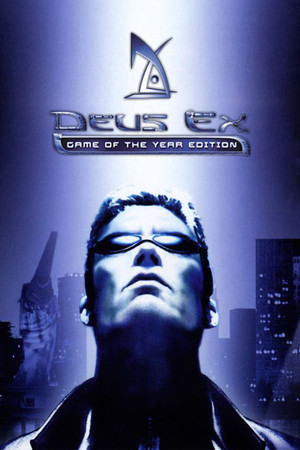
Deus Ex: Game of the Year Edition
2000 · Gamicality score 91
- Install the Deus Ex Community Update, which bundles unofficial patches, alternative executables and modern renderers.
- Or install Kentie's Deus Exe launcher together with the Direct3D 10 renderer for widescreen resolutions and better compatibility.
- In Deus Exe, adjust the GUI scaling option so menus and text are readable at high resolutions (see PCGamingWiki).
-
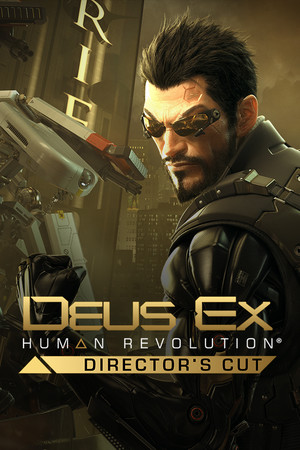
Deus Ex: Human Revolution – Director’s Cut
2011 · Gamicality score 91
- Install Luma, which fixes interface elements that do not scale at higher resolutions, restores the original gold color filter and repairs lighting; the lighter DXHRDC-GFX mod restores the filter only.
- If mouse look feels laggy, turn off V-Sync in the game's settings, as described on PCGamingWiki.
-
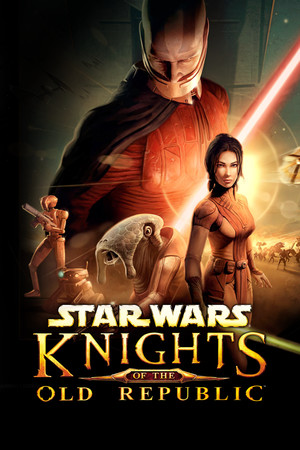
Star Wars: Knights of the Old Republic
2003 · Gamicality score 91
- Cap the frame rate at 60 (turn on V-Sync or use a driver limit); higher frame rates can leave your character stuck after combat.
- For proper widescreen on today's monitors, install KMRP: KOTOR Modern Restoration Patch.
- Install the KOTOR 1 Community Patch for bug fixes, before any other mod.
- If the game lags or crashes after cutscenes, add Disable Vertex Buffer Objects=1 under Graphics Options in swkotor.ini.
- If movies crash the game, play in windowed mode.
-
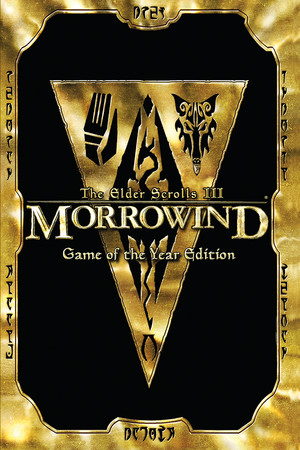
The Elder Scrolls III: Morrowind Game of the Year Edition
2002 · Gamicality score 91
- On Windows 8 and later, apply the fullscreen border fix.
- Install the Morrowind Code Patch to fix engine bugs and crashes.
- For modern resolutions and a wider view, install MGE XE, or play through the open-source OpenMW engine instead (see PCGamingWiki).
-
Thief Gold
1999 · Gamicality score 91
- Install NewDark through RoguePatcher or TFix; the Steam version ships without it, and it fixes crashes, video playback, widescreen and high resolutions on modern Windows.
- After installing, set framerate_cap 60.0 in cam_ext.cfg if you see stutter.
- Rebind the keys in the options menu to modern first-person defaults such as WASD before starting.
-
Total War: Medieval II – Definitive Edition
2006 · Gamicality score 91
- If the game lags badly when castle walls are destroyed, a problem on Windows 10 and later, install the unofficial M2EX patch, which also fixes many bugs, shortens turn times and improves stability (PCGamingWiki).
- To install M2EX, back up the game folder, install the latest Visual C++ redistributable, extract M2EX.7z into the game folder and start the game with M2EX.exe.
-
XCOM: Enemy Unknown
2012 · Gamicality score 91
- If the screen flashes white during play on a modern graphics card, raise the Fog of War setting first.
- If the flashing continues, run the game through a wrapper such as dgVoodoo 2 or DXVK.
-
F.E.A.R.
2010 · Gamicality score 90
- Install EchoPatch: extract the latest release into the game folder and adjust EchoPatch.ini; it fixes high-framerate bugs, scales the interface for modern resolutions, adds widescreen to Extraction Point and adds controller support.
- If the game still stutters or crashes, apply a large address aware patch to FEAR.exe, FEARXP.exe and FEARXP2.exe, as described on PCGamingWiki; the Steam copy of the base game must be unpacked first.
- If saving becomes very slow after relaunching the game, sign out of Windows and back in before playing again.
-
FEZ
2013 · Gamicality score 90
- If the game will not start, set the Windows region format to English (United States) under Settings, Time and language, Language and region (PCGamingWiki).
- Make sure a working audio output device is connected, since the game refuses to launch without one.
- If you see screen tearing with VSync on, set vertical sync in the Nvidia or AMD control panel to follow the application setting.
-
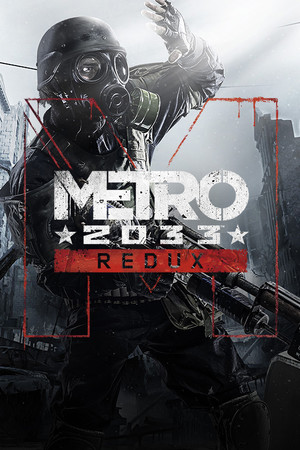
Metro 2033 Redux
2010 · Gamicality score 90
- Fix the uneven horizontal and vertical mouse sensitivity with the Metro Mouse Fix, or by setting aim_assist, mouse_curve_coef and mouse_curve_num to 0 in user.cfg as described on PCGamingWiki.
- Widen the field of view by editing r_base_fov in user.cfg, following PCGamingWiki.
- Turn off in-game vsync on high refresh rate monitors, since it caps the game at 60 Hz (PCGamingWiki).
-
Ori and the Blind Forest: Definitive Edition
2015 · Gamicality score 90
- If the game keeps dropping into slow motion or cutscenes fall out of sync, turn off vsync in the game and force it in the Nvidia or AMD control panel instead, as described on PCGamingWiki.
-
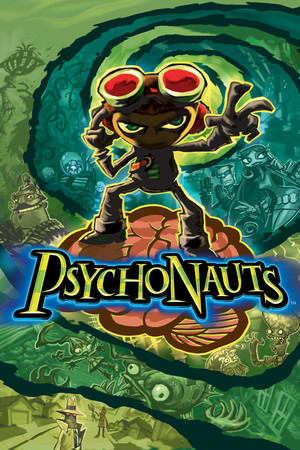
Psychonauts
2005 · Gamicality score 90
- If the game crashes, freezes on a black loading screen or will not start, set psychonauts.exe to Windows 95 compatibility mode (or Windows 98/ME if that fails) and close overlays such as RivaTuner, as listed on PCGamingWiki.
- Cap the frame rate at 60 FPS, or turn on VSync with the display at 60 Hz, since higher frame rates break physics such as trampolines, ladders and pole grabs and can cause softlocks.
- On a widescreen display, install ThirteenAG's Psychonauts Widescreen Fix to stop the HUD, menus and videos from stretching.
-
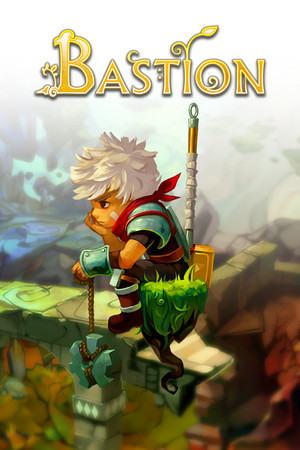
Bastion
2011 · Gamicality score 89
- If the game looks blurry or oversized, right-click Bastion.exe, open Properties > Compatibility > Change high DPI settings, and turn on the high DPI scaling override (PCGamingWiki: Bastion).
- For resolutions above 1080p, which the in-game menu does not list, add the launch options -x and -y with your width and height.
- If it crashes at launch, install Microsoft XNA Framework 4.0, close overlays such as MSI Afterburner, or try the legacy beta branch in Steam.
-
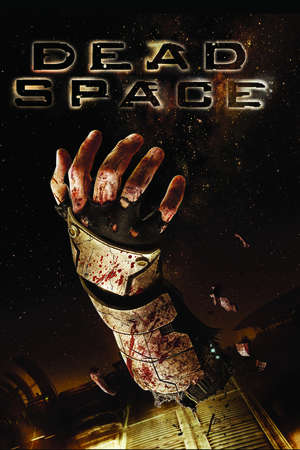
Dead Space
2008 · Gamicality score 89
- Install the Dead Space Mouse Fix to remove forced mouse acceleration (it disables controller aiming).
- Turn off in-game V-sync, then cap the game at 60 FPS, either by placing the x32 d3d9.dll from DXVK in the game folder or with a frame limit in your GPU control panel; higher frame rates break doors, physics and quick-time events.
- Optionally add the Ishimura Stability Patch and the 4GB Mod to cut crashes.
- See PCGamingWiki for borderless window and other fixes.
-
Dust: An Elysian Tail
2012 · Gamicality score 89
- If the game does not start on Windows 11, run it in Windows 7 compatibility mode or reinstall the Microsoft XNA Framework Redistributable 4.0 Refresh (PCGamingWiki: Dust: An Elysian Tail).
- If the intro has no voices, reinstall Windows Media Player through Optional Features.
- Above 1080p the HUD gets very small, so 1080p or 1440p with the in-game HUD scaling is easier to read.
-
Saints Row: The Third
2011 · Gamicality score 89
- To stop stutter caused by the shut-down My Steelport service on the DirectX 11 version, install the SR3 No Agora patch with an ASI loader.
- If the DirectX 11 version runs at the wrong refresh rate, use 3Dmigoto and set the desired refresh_rate in its d3dx.ini, or start the DirectX 9 executable instead.
-
Star Wars: Knights of the Old Republic II – The Sith Lords
2004 · Gamicality score 89
- If the game crashes with a stopped working error before the main menu or when loading a save, switch to windowed mode (PCGamingWiki).
- Install the 3C-FD Patcher on the unmodified Steam executable to fix broken fog, reflections and missing music in dialogue, and to let the game use up to 4 GB of memory.
- Optional but widely recommended: subscribe to the Restored Content Mod on Steam Workshop, which restores cut content and fixes many bugs.
-
Warhammer 40,000: Dawn of War – Anniversary Edition
2004 · Gamicality score 89
- For widescreen resolutions in the original game and Winter Assault, install the community widescreen fix by zero334 linked from PCGamingWiki.
- If the game crashes at startup, run W40k.exe or W40kWA.exe in Windows 98/ME compatibility mode, or create an empty Data folder inside the Engine folder.
- If the frame rate drops when the mouse moves, change allowhwcursor 1 to allowhwcursor 0 in Drivers\spdx9_config.txt.
-
Dragon Age: Origins – Ultimate Edition
2010 · Gamicality score 88
- Make the game large address aware so it can use 4 GB of memory, which reduces random crashes: on Steam, replace daorigins.exe with the pre-patched one from this Steam guide, keeping a backup.
- If the DLC does not show up, close Steam and run redist\DAUServiceSetup_Steam.exe and redist\DAOU_UpdateAddinsXML_Steam.exe from the game folder (PCGamingWiki).
- Install Dragon Age 1/2 Fix for a scalable interface above 720p, borderless windowed mode and proper ultrawide support.
- Optionally add Qwinn's Ultimate Dragon Age: Origins Fixpack to fix many remaining quest and dialogue bugs.
-
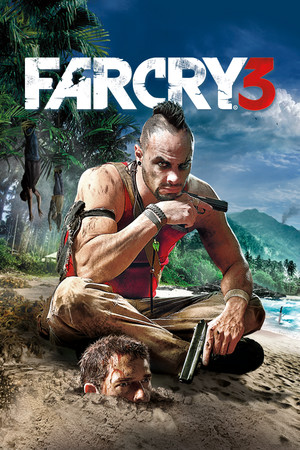
Far Cry 3
2012 · Gamicality score 88
- If the frame rate is low on a modern multi-core processor, limit the game to four cores or disable hyperthreading for it, for example with Process Lasso, as described on PCGamingWiki.
- Alternatively, run it through DXVK (Vulkan), which PCGamingWiki reports improves multithreaded performance.
- To remove the built-in negative mouse acceleration, install the Mouse Input Fixes mod.
- If the game crashes randomly, make its executables large address aware with the Large Address Aware tool.
-
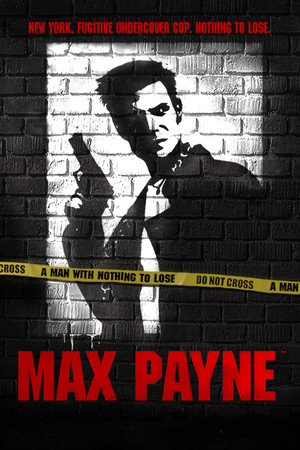
Max Payne
2001 · Gamicality score 88
- Install the Max Payne Widescreen Fix, which corrects the stretched widescreen image and HUD, fixes startup hangs and sound problems, adds controller support and lets you turn off mouse smoothing (PCGamingWiki).
- As an alternative, the MOGGA patch adds high-resolution menus and fonts, raw mouse input and fixes for crashes and frame-rate bugs.
-
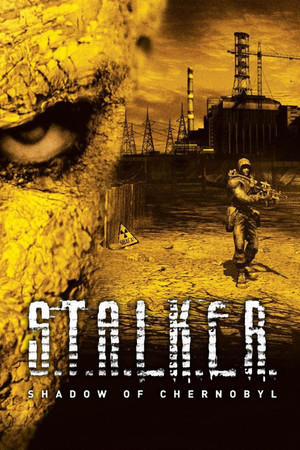
S.T.A.L.K.E.R.: Shadow of Chernobyl
2007 · Gamicality score 88
- If the Steam version does not launch on Windows 10 or 11, add an Exploit protection exception in Windows Security for XR_3DA.exe and turn off Mandatory ASLR (PCGamingWiki).
- For stutter and mouse delay, set lighting to Static Lighting.
- To fix broken v-sync, opt into the pre-1.0007 beta branch in Steam.
-
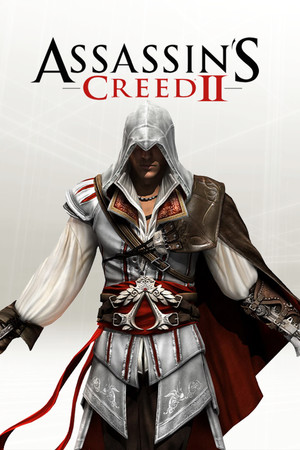
Assassin’s Creed II
2009 · Gamicality score 87
- Install EaglePatchAC2 to add support for all XInput controllers, let controller and mouse work together and raise draw distance and shadow quality.
- If the game crashes when returning to Florence from Monteriggioni for the first time, open EaglePatchAC2.ini and set ImproveDrawDistance to 0, as described on PCGamingWiki.
-
Hitman: Blood Money
2006 · Gamicality score 87
- Install Mulderland's Enhancement Pack, which bundles the widescreen fix, DXVK, a 60 FPS cap and controller support in one installer.
- Without it, apply nemesis2000's widescreen fix to unlock resolutions above 1080p with correct field of view (PCGamingWiki).
- If the game crashes on the newspaper screen after a mission, use the DXVK wrapper or cap the frame rate (PCGamingWiki).
-
Metal Gear Rising: Revengeance
2013 · Gamicality score 87
- Install the Metal Gear Rising: Revengeance PC Fix by Steam006 for custom resolutions, a corrected frame rate cap and a fixed save path, which also stops crashes on systems without a C: drive.
- If the game runs at the wrong refresh rate, right-click the game EXE, open Properties, then Compatibility, and tick Disable fullscreen optimizations.
- For low cutscene volume, turn off Spatial Sound in the Windows sound settings.
-
S.T.A.L.K.E.R.: Call of Pripyat
2009 · Gamicality score 87
- If the Steam version will not start on Windows 10 or 11, open Windows Security, go to App & browser control, then Exploit protection settings, add a program setting for xrEngine.exe and turn off Force randomization for images (Mandatory ASLR).
- If xrEngine.exe runs in Task Manager but no game appears, delete or rename pctrlchk.dll in the game's Bin folder.
- For mouse delay and stutter, set lighting to Static Lighting in the video options.
- As an alternative, run the open-source OpenXRay engine, which improves compatibility with modern systems.
-
Saints Row IV: Re-Elected
2013 · Gamicality score 87
- If the game stutters, block the shut-down My Steelport service by adding the lines 127.0.0.1 sr3.hydra.agoragames.com and 127.0.0.1 sr4.hydra.agoragames.com to the Windows hosts file (PCGamingWiki).
- If crashes or stutter persist, players report that switching to the legacy beta branch in the game's Steam properties fixes many issues (Vaporlens).
-
Sonic Adventure 2
2001 · Gamicality score 87
- Launch with the -q command line argument to skip the launcher once settings are saved.
- If the game crashes after the Sonic Team logo, try DXVK, or on NVIDIA with G-SYNC set the game to Fixed Refresh in the NVIDIA Control Panel.
- If it crashes only in fullscreen, run it in borderless windowed mode, for example through SA Mod Manager, and turn off frame rate limiters and overlays.
-
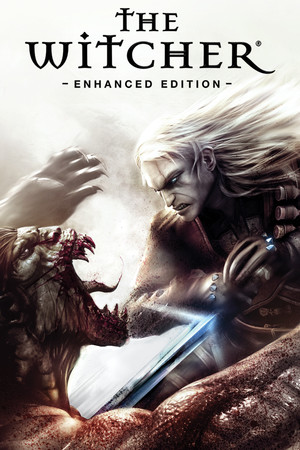
The Witcher: Enhanced Edition Director’s Cut
2007 · Gamicality score 87
- If the game crashes at launch, set witcher.exe to compatibility mode for Windows 7.
- Optionally install Project Mersey, The Witcher Fix Pack, which acts as an unofficial patch and adds small comfort improvements.
-
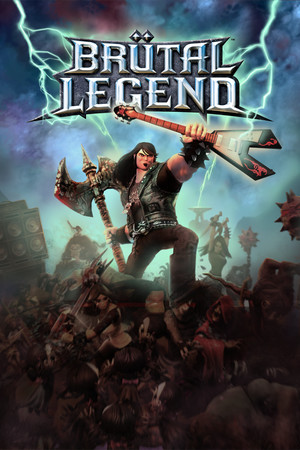
Brutal Legend
2009 · Gamicality score 86
- If the game starts to a black screen, open screen.dat in the game's configuration folder and set refreshrate, width and height to match the monitor, since the default refresh rate of 150 Hz is unsupported by most screens; see PCGamingWiki.
-
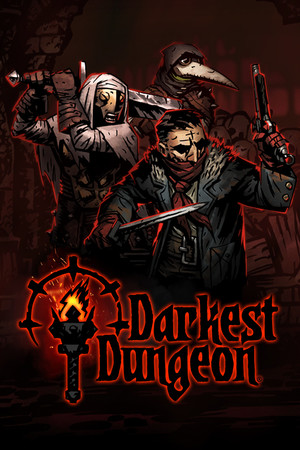
Darkest Dungeon
2016 · Gamicality score 86
- If the mouse cursor disappears in fullscreen, switch to windowed mode in the settings and add the -borderless launch option in Steam, as listed on PCGamingWiki.
-
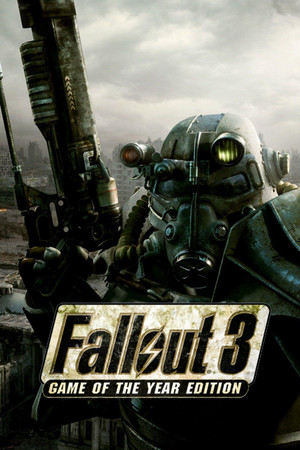
Fallout 3: Game of the Year Edition
2008 · Gamicality score 86
- Install the Fallout Anniversary Patcher, which makes the game use up to 4 GB of memory and fixes many random crashes on modern systems.
- If the game still crashes, open Documents\My Games\Fallout3\FALLOUT.ini, set bUseThreadedAI=1 and add a new line iNumHWThreads=2 below it, as described on PCGamingWiki.
- For audio stutter and an audio memory leak, install the updated Ogg Vorbis Libraries, which also work for Fallout 3.
-
Her Story
2015 · Gamicality score 86
- If the clips do not play, some systems lack the right codec; the community offers re-encoded videos, linked on PCGamingWiki.
-
Prince of Persia: The Sands of Time
2003 · Gamicality score 86
- Cap the frame rate at 60 for pop.exe (not the launcher); higher rates break physics, animation and cutscene audio.
- Install the Sands of Time Fix Compilation, which bundles a widescreen fix, a Direct3D 9Ex wrapper, restored EAX audio and controller support.
- If the interface is missing, set CanStretchRect=0 in Hardware.ini.
- If fog looks extreme, set ForceVSFog=1 and InvertFogRange=0 in Hardware.ini.
- If the launcher fails to start, run pop.exe directly from the game folder.
-
Star Wars: Republic Commando
2005 · Gamicality score 86
- Install the fan-made Republic Commando Fix by copying its files into the game's GameData\System folder; it adds widescreen and 4K support, a field-of-view slider, an optional frame cap and fixes crashes with bump mapping on modern graphics cards.
- In the game options, set the frame rate limit to 30 or 60 to avoid overly fast mouse movement in menus and helmet shake.
- If Steam reports that it cannot be detected, set SWRepublicCommando.exe to Windows XP SP3 compatibility mode, as described on PCGamingWiki.
-
Valkyria Chronicles
2008 · Gamicality score 86
- If a vehicle cannot climb the ramp in Chapter 18a, open the game's launcher (Configure Valkyria Chronicles) and pick a resolution at 60 Hz, as described on PCGamingWiki.
- If the game crashes in Chapter 3, turn off the Steam overlay for it and switch to windowed mode in the launcher until past that point.
- If the menus scroll on their own at start, disable the extra HID-compliant vendor-defined device in Windows Device Manager.
-
Vampire: The Masquerade – Bloodlines
2004 · Gamicality score 86
- Run the game once, then install the fan-made Unofficial Patch as administrator; choose Basic for fixes only or Plus for restored cut content. It fixes many bugs, adds widescreen support and lets the game use more than 2 GB of video memory so textures are not blurry.
- If the game opens in a window, add -fullscreen to the launch options.
- If intro videos show a black screen, open the properties of vampire.exe and turn on Disable visual themes and Disable desktop composition, as described on PCGamingWiki.